Release Notes

v1.30.0

2026/2/2
  • Feature: CarPlay now shows tabs for Artists, Playlists, and Downloads.
  • Feature: Quick access to support and other links from Settings.
  • Fixed: Using CarPlay could potentially break main app usage.
  • Fixed: Tracks could display the wrong artist name.

v1.29.0

2026/1/31
  • Feature: Quick Connect authentication - sign in to your Jellyfin server by approving the connection from another device, no password entry required.
  • Feature: Filter albums by favorites - quickly find your favorite albums with the new filter button in the toolbar.
  • Feature: Redesigned Up Next panel with sectioned layout - now playing track displayed prominently at the top, with upcoming tracks in a separate section below.
  • Feature: Play Next and Play Later - add tracks or entire albums to your queue from context menus.
  • Feature: Add albums to playlists - add all tracks from an album to an existing or new playlist via context menu.
  • Improvement: CarPlay now works independently from the main app - it manages its own login and playback session, so it can start even if the app hasn't been opened.
  • Improvement: Added confirmation dialog to sign out button.
  • Improvement: Downloads page now shows a loading indicator instead of empty state while loading.
  • Fixed: Albums page navigation push and back would lead to screen flickering.

v1.28.0

2026/1/26
  • Feature: CarPlay support - browse and play your music library directly from your car's infotainment system.

v1.27.0

2026/1/24
  • New logo.
  • Fixed a bug where flac/mp3 files would potentially fail to download, or cannot play after download.

v1.26.0

2026/1/19
  • Feature: Configurable download quality - choose your preferred bitrate (64kbps - 320kbps) for offline downloads in Settings.
  • Feature: Quick access menu on album detail page - download albums and toggle favorites directly from the toolbar menu.
  • Feature: Remove downloaded albums - easily delete offline albums you no longer need, freeing up storage space.
  • Feature: Mini player menu with download, favorite, "Go to Album" and "Go to Artist" options.
  • Improved local server connection flow with proactive guidance for network permission.
  • Improved album sort UI with a streamlined native menu interface.
  • Added missing translations across all supported languages.

v1.25.0

2026/1/12
  • Feature: Take your music anywhere with offline downloads - save your favorite tracks, albums to enjoy even without an internet connection.
  • Feature: Dedicated offline mode with streamlined interface - when disconnected from server, automatically switch to a focused experience for playing downloaded content only.

v1.24.0

2025/12/7
  • Introduced library switching for a more flexible browsing experience.

v1.23.0

2025/12/5
  • Redesign the track list UI on home page.
  • Reduce flickering inside mini player.
  • Fix the randomness of "Shuffle All" action.
  • Fix "Recently Played" doesn't display correct tracks.

v1.21.0

2025/11/16
  • Added donate page, If Finer enhances your music experience, I'd genuinely appreciate your support!

v1.20.3 & v1.20.4

2025/11/15
  • Fix: Album detail page doesn't display tracks on JellyFin 10.11
  • Fix: on iOS 26.1, click buttons on Mini Player view would dismiss the view.
  • Fix: Auto login might fail whenever switched account.

v1.20.1 & v1.20.2

2025/11/12
  • Enabled adjustable window size on iPad.
  • Optimize layout when display multiple genres is needed on Album page.
  • Optimize gap on iPhone and iPad
  • Add Launch Screen for iOS

v1.20

2025/9/15
  • Adapted for iOS/macOS 26, updated the icon, and fixed minor UI bugs.

v1.19

2025/5/17
  • Revamped login page, with better error message.
  • New animation for track on play within track list.
  • New logo.
  • Fixed a bug which can cause auto-login stop working when user changes password.

v1.18

2025/4/14
* Feature: A revamped search experience, now you can trigger library search everywhere via toolbar search button or the shortcut cmd+k (macOS). * Improvement: Album and artist on NowPlaying bar is clickable. * Bugfix (iOS): Track on home page is not playable via tap.

v1.17

2025/4/7
  • Feature: Player now reports playback status to jellyfin server, so that server can scrobble these songs to listenbrainz or last.fm.
  • Feature: Home page now displays recently played and frequently played songs.
  • Feature: A toggle to enable/disable synchronize library at application startup.
  • Feature: A toggle to enalbe/disable auto switch for offline mode.

v1.16

2025/4/1
  • Feature: Introducing offline mode, Finer now caches your entire music library, allows you to browse the library even without internet.
  • Improved: Artist page now displays album production year.
  • Improved (iOS): Added haptic feedback for navigation.
  • Improved (iOS): Font size inside grid view
  • Fixed: Image with low resolution displayed in system now playing.
  • Fixed (iOS): Crash when quickly toggle on/off mini player.

v1.15

2025/3/10
  • Feature (iOS): Add playlists into bottom tab.
  • Feature: Allow users to choose default tab when launch the app.
  • Improved: Access to Tailscale's private IP (100.64.0.0/10) without TLS is now allowed.
  • Fixed: Typo on home page.

v1.14

2025/3/2
  • Feature: iPhone Support.
  • Fixed: Airplay button color when inactive.

v1.13

2025/2/10
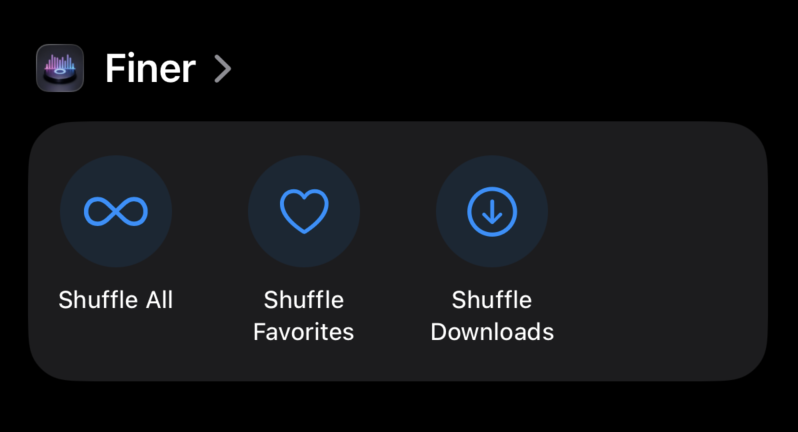
  • Feature: A home screen, with action button to shuffle the whole library or shuffle favorites, it also display recent albums and playlists.
  • Feature: There's a all playlists tab now to view your playlists.

v1.12

2025/2/10
  • Feature: A up-next Panel.
  • Feature: Transcode support and bitrate selection.
  • Improvement: Significantly improved UI smoothness and CPU usage.
  • Improvement: Now there's a songs tab to view all your songs.
  • Improvement: Play and Shuffle is now more accessible.
  • Improvement: Better scroll experience (better sync) on lyrics panel.
  • Improvement: Better button click area.

v1.11

2025/1/16
  • Feature: You can now translate lyrics to languages you like.
  • Feature: You can now choose to sync 3rd party lyrics to your Jellyfin Server.
  • Improvement: A revamped settings page.
  • Improvement: Improved Scroll Performance.
  • Improvement (macOS): Application will not be killed when window is closed.
  • Fixed: Sometimes track image doesn't show up properly

v1.10

2025/1/13
  • Feature: Finer now supports display lyrics.
  • Improvement: Less CPU usage.
  • Improvement: Button on iPad are now larger and more accessible.

v1.9

2025/1/8
  • Improvement: Finer Player now supports iPadOS.
  • Improvement: Finer now support various langauges: fr,hi,es,ru,ko,ja,it,zh-Hans,zh-Hant,zh-HK,de,th,el,pt-PT.

v1.8

2025/1/4
  • Feature: Add or remove playlist on side menu.
  • Feature: Create new playlist from selected track.
  • Feature: Display and toggle favorites in playlist.
  • Improvement: Push notification now shows thumbnail of the song.
  • Improvement: zh-Hans localization.

v1.7

2024/12/30
  • Feature: Finer Player now supports audio streaming via AirPlay.
  • Feature: You can now manage tracks in playlists via add/remove through right-click.
  • Feature: There's a new volume control available.

v1.6

2024/12/23
  • Feature: Save and play your favorite tracks with our brand new favorites tab.
  • Feature: Your custom playlists are also visible and playable now!

v1.5

2024/12/22
  • Feature: Albums and artists can now be searched by keyword.
  • Fixed: Login doesn't work when there's trailing slash in inputted server URL

v1.4

2024/12/18
  • Feature: Support show system notifications for current song, can be enabled in settings.
  • Improved: Scrolling in the album grid is now smoother after offloading heavy tasks from the main thread.

v1.3.1

2024/12/16
  • Fixed: User cannot login when device names contains character not recognizable by server

v1.3

2024/12/15
  • Feature: Favorites are now displayed and can be toggled.
  • Feature: Support sort albums.
  • Feature: Support app level accent color switch
  • Fixed: Album Grid sometimes cannot restore scroll position
  • Fixed: Track playback can be dragged beyond bar

v1.2

2024/12/11
  • Feature: Support Display Artists and Artist Albums
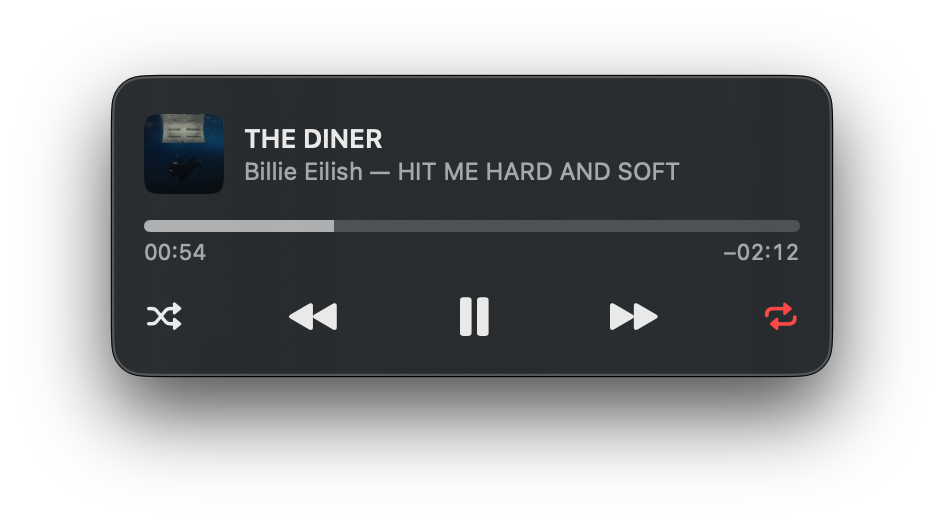
  • Feature: Support Shuffle Mode
  • Feature: Support Loop Mode
  • Feature: New Shortcuts
    • Play/Pause: space
    • Previous Track: command + left arrow
    • Next Track: command + right arrow

v1.1

2024/12/5
  • Feature: Now you can navigate to album detail page via click the album cover.
  • Fixed: a bug that prevented command+h from hiding the window.